Expert Insights: Top Computer Repair Tips from Sunnytech Inc


In today's digital age, computers have become an indispensable part of our lives. Whether for work, education, or entertainment, keeping your computer in top condition is crucial. To help you maintain your devices, the experts at Sunnytech Inc. have shared their top computer repair tips. Let's delve into their insights.
Regular Maintenance is Key
One of the fundamental steps to ensure your computer runs smoothly is regular maintenance. This includes cleaning up your desktop, removing unnecessary files, and ensuring your operating system and software are up-to-date. Sunnytech Inc. recommends scheduling a monthly maintenance routine to keep things in check.
It’s also important to clean the physical components of your computer. Dust and debris can accumulate inside your machine, leading to overheating and performance issues. Use compressed air to gently clean the keyboard, vents, and other openings.
Protect Your System from Malware
Malware can wreak havoc on your computer, leading to data loss and compromised security. Installing a reliable antivirus program is essential. Sunnytech Inc. advises users to regularly update their antivirus software to defend against the latest threats.
Additionally, be cautious when downloading files or clicking on links from unknown sources. Educate yourself on recognizing phishing attempts and other common cyber threats.
Troubleshoot Common Problems
Many computer issues can be resolved with simple troubleshooting. If your computer is running slowly, check for background programs that may be consuming resources. Use the Task Manager on Windows or Activity Monitor on macOS to identify and close unnecessary applications.

For connectivity issues, ensure your Wi-Fi is functioning properly and consider resetting your router. Sometimes, a simple restart of the computer or router can solve many connectivity problems.
Backup Your Data Regularly
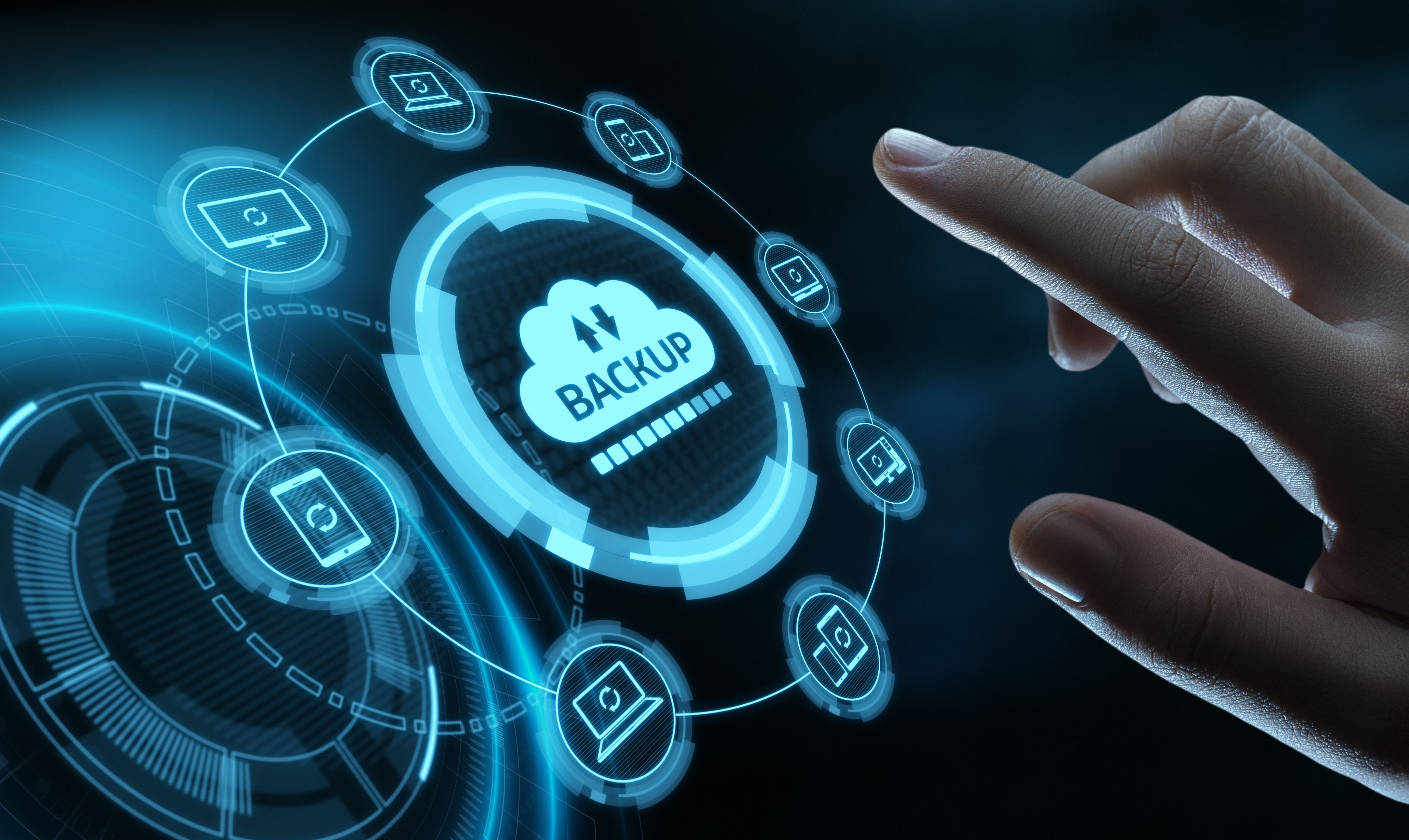
Backing up your data is crucial to prevent loss due to hardware failure, malware, or accidental deletion. Sunnytech Inc. recommends using both cloud-based services and external hard drives for comprehensive protection.
Set up automatic backups to ensure that your important files are always secured without requiring constant manual intervention.
Seek Professional Help When Needed
While many issues can be resolved at home, there are times when professional help is necessary. If you encounter hardware problems or persistent software issues, it's best to consult with experts like those at Sunnytech Inc. Trying to fix complex issues on your own can potentially cause more harm.
Remember, maintaining your computer is not just about fixing problems as they arise but also about taking preventive measures. By following these expert tips from Sunnytech Inc., you'll ensure that your devices remain reliable and efficient for years to come.